Guide · Strip Classic
How to make a kinetic typography poster
Kinetic typography is type that moves. You do not need After Effects for it: here is how to make an animated type poster in the browser and export it as a video.
What you will make
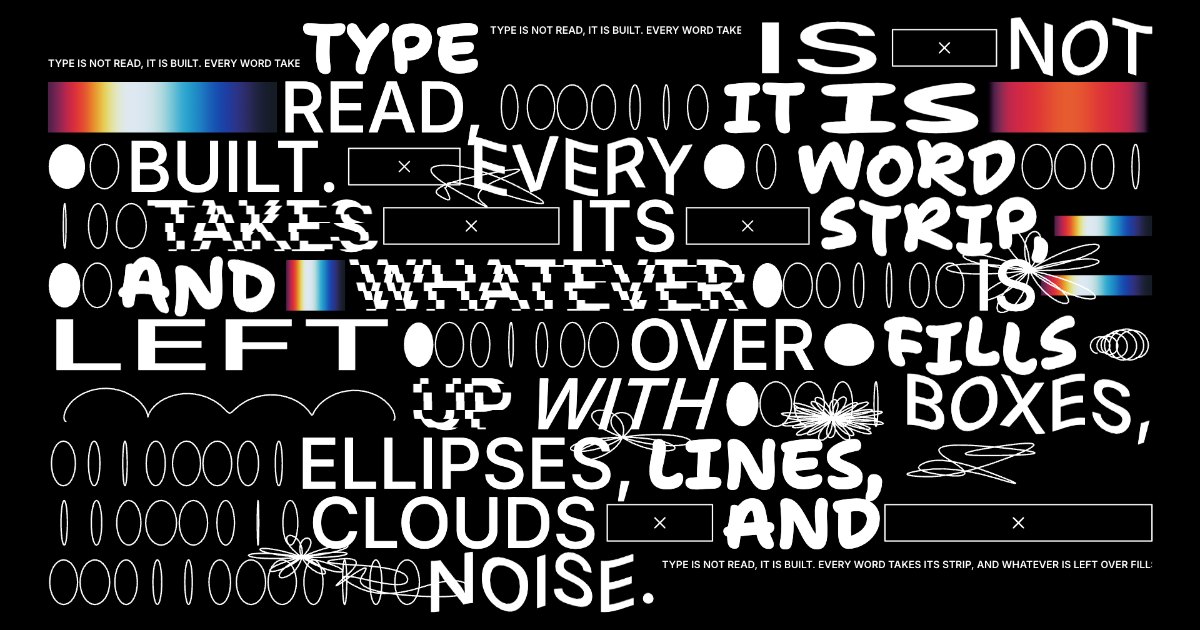
A poster where your text is broken into strips of type, with the gaps filled by shapes, scribbles drawn over it, and the whole thing in motion. It exports as a still image or as a WebM video.
1. Write your type
Open Poster Lab; it starts in the Strip Classic look. In the Type tab, write your text and choose the weight and italic. Words in Shantell Sans sets how many words switch to a hand-drawn font, which gives the poster its rhythm.
2. Shape the layout
In Layout, set the strip height, the canvas margin and the line spacing. Taller strips mean fewer, bigger words; a tighter margin pushes the type to the edge.
3. Add effects
In Effects, the filler modules fill the space left over in each line with ellipses, boxes and lines, and overlaid scribbles draw on top. Turn on distortions (stretch, skew, wave, step) and set their intensity, or add worms that wiggle across the letters.
4. Shuffle and refine
Press S or Shuffle for a new arrangement of the same settings. Undo and redo walk back through your history if you shuffle past a good one.
5. Preview and export the video
Press P for Preview to watch it without the panels, and Space to pause. Then Export: WebM for video, or PNG, WebP or JPG for a still, at 1×, 2× or 4×.
Other ways to move type
The same text works in every look: bubble letters, flowers growing out of the letters or a loud protest poster. The shapes are in the Strip kit as SVG.